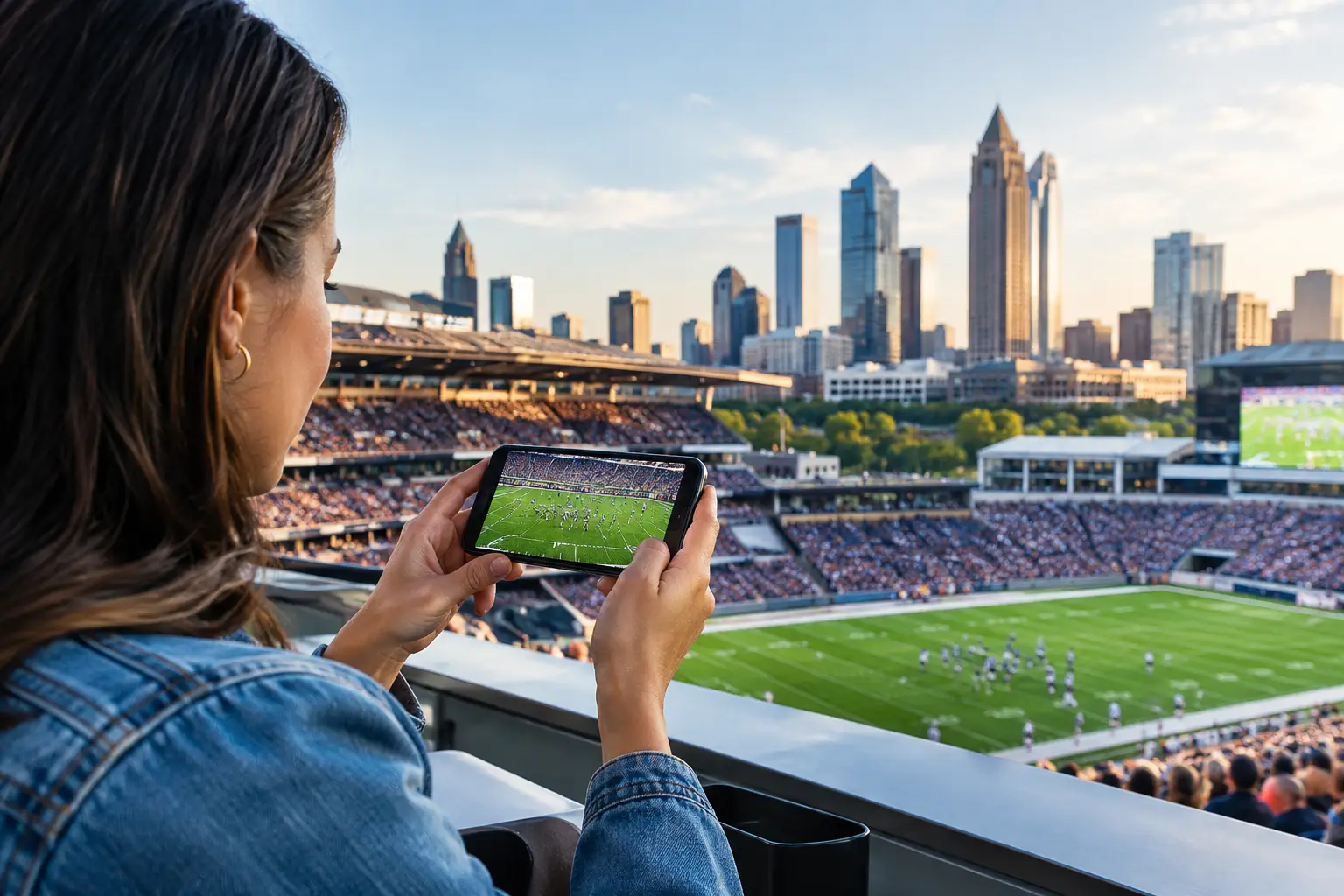
A packed room can turn a minor network weakness into a public failure in minutes. One frozen match feed, one payment terminal that drops offline, or one overloaded guest WiFi network can send customers elsewhere before halftime. Live sports connectivity trends are changing what Atlanta bars, hotels, venues, broadcasters, and event operators must prepare for: not simply internet access, but performance under concentrated, highly visible demand.
The 2026 tournament cycle will intensify that pressure. International supporters will arrive with multiple devices, higher expectations for mobile access, and no patience for buffering during decisive moments. For commercial operators, connectivity is now part of the event product. It affects dwell time, food and beverage sales, room satisfaction, sponsor visibility, payment processing, security operations, and reputation.
Live Sports Connectivity Trends Are Raising the Standard
The central trend is simple: live-event traffic is becoming denser, less predictable, and less forgiving. A venue may have enough bandwidth for a normal Saturday, yet still fail when a major match brings hundreds of simultaneous streams, social uploads, mobile orders, point-of-sale transactions, staff communications, and guest devices onto the property.
That distinction matters. Bandwidth is only one part of the operating picture. A venue can purchase a fast connection and still experience poor performance because access points are poorly placed, traffic is not segmented, uplinks are saturated, or the network has no viable path when its primary circuit fails.
For Atlanta operators preparing for World Cup-driven demand, the planning question should be specific: What happens when the building reaches peak occupancy, the featured match goes to penalties, and every guest begins posting, messaging, ordering, and refreshing scores at once? If the answer is based on assumptions rather than testing, the risk remains open.
Guest WiFi Has Become a Revenue-Critical Service
Guest WiFi was once treated as an amenity. During live sports events, it is part of the customer experience and, in many properties, part of the transaction path. Guests use it to coordinate arrivals, access digital tickets, share content, use venue apps, check travel details, and stay connected when cellular coverage is strained by a crowd.
The issue is not that every guest needs unlimited speed. The issue is fairness and consistency across a large number of concurrent connections. A well-designed guest network controls abuse, limits unnecessary consumption, and protects priority business systems without making the experience feel restricted.
Coverage also matters more than a speed test at the manager's desk. Concrete walls, kitchen equipment, outdoor patios, ballrooms, elevators, and temporary event layouts all affect wireless performance. A WiFi plan should account for where guests actually gather during the match, not where the floor plan says they should gather.
Streaming Reliability Is a Separate Discipline
A stable internet connection does not automatically produce reliable live video. Streaming quality depends on the feed source, local network conditions, device configuration, display hardware, cabling, audio synchronization, and the ability to isolate the stream from traffic that does not belong on the same path.
This is why match-day troubleshooting often becomes difficult. A video feed may appear healthy in a quiet room, then degrade when guest traffic rises. The root cause may be contention, DNS behavior, a failing switch port, a misconfigured firewall policy, wireless interference, or a problem upstream from the venue. Treating every failure as a generic "internet outage" wastes valuable time.
Operators should identify the exact components that deliver programming to each viewing area. That includes the primary feed, alternate feed, endpoint device, display connection, power protection, and the person authorized to make decisions when the feed degrades. Redundancy is only useful when the team knows how to activate it.
Cellular Demand Is Part of the Capacity Equation
Crowds do not stay on WiFi all the time. They move between cellular and venue networks, often using both. When a match ends or a headline moment occurs, thousands of devices may try to upload video at the same time. Cellular networks can become congested, which pushes more demand onto guest WiFi. In other cases, poor venue WiFi drives users back to cellular and creates complaints that appear unrelated to the local network.
The practical response is not to promise perfect service everywhere. It is to understand the site, measure real conditions, and design for the crowd behavior expected in each area. A hotel lobby watching a morning international match has a different profile than a sports bar during an evening knockout round. An outdoor fan activation has different exposure than a ballroom used for sponsor hospitality.
Build the Network Around Business Priority
Live-event readiness starts by deciding what must continue working if demand spikes or a connection fails. For most venues, that includes payment systems, streaming endpoints, staff communications, security tools, reservation platforms, and essential back-office access. Guest internet matters, but it should not be allowed to consume resources needed for these business-critical services.
Network segmentation is the control point. Separate guest traffic from point-of-sale, cameras, staff devices, streaming equipment, and administration. Apply appropriate rules to each segment, then test whether the priority systems remain usable under load. This is not an academic exercise. It is how a venue prevents a crowded guest network from interrupting payments during its highest-revenue service window.
Traffic shaping can also help, but it is not a substitute for adequate capacity. Limiting high-bandwidth activities may protect the network, yet overly aggressive restrictions can frustrate guests and damage the experience. The right policy depends on venue type, expected attendance, connection capacity, and the importance of guest access to the business model.
Failover Must Be Tested, Not Assumed
A secondary circuit, 5G backup, or alternate provider can protect operations, but only if failover works in the real environment. Failover paths can have lower capacity, incompatible addressing, unexpected security restrictions, or delays that break active sessions. A backup connection that has never been tested during business conditions is a theory, not a recovery plan.
Test the transition intentionally. Confirm which systems remain available, how long the switch takes, what loses connectivity, and who receives the alert. Then document the manual steps required if automated failover does not behave as expected. The goal is not zero disruption under every scenario. The goal is controlled recovery instead of a crowded room watching employees scramble.
For high-profile matches, venue leaders should also know their escalation chain. Who calls the carrier? Who can access network equipment? Who owns the streaming credentials? Who can approve a backup feed or replacement device? A technically capable response still slows down when authority is unclear.
Cybersecurity Is Now a Match-Day Operations Issue
Large sports events create urgency, high transaction volume, and distracted staff - conditions attackers exploit. Phishing messages can imitate ticketing, scheduling, sponsors, broadcasters, or payment providers. Public WiFi attracts opportunistic activity. Unpatched devices and shared credentials can turn a minor operational shortcut into a serious incident.
The practical defense is disciplined access control. Use separate networks, protect administrative accounts with multifactor authentication, limit who can change critical settings, and keep network gear, point-of-sale systems, and streaming endpoints current. Ensure staff know how to report suspicious messages without delaying a response.
Cybersecurity planning should support operations rather than obstruct them. If an emergency procedure is so complicated that staff bypass it during a packed event, it will not protect the venue. Clear roles, tested procedures, and monitored systems are more valuable than a policy document nobody consults under pressure.
Readiness Requires Visibility Before the Crowd Arrives
The best time to find a weak access point, oversubscribed circuit, or unstable streaming endpoint is before doors open. Readiness audits should review the full service path: carrier handoff, firewall, switching, wireless coverage, device inventory, streaming equipment, power, backups, and support contacts.
Load testing is especially valuable when it reflects actual use. Test in the areas where crowds will stand. Run streaming endpoints while guest devices connect. Process transactions while observing latency. Verify that alerts reach the right people. Then correct the constraints that matter most to the customer experience and revenue flow.
Local support changes the recovery equation. When an outage affects a live audience, remote troubleshooting may be necessary but it is not always sufficient. A local engineer who can inspect cabling, replace failed hardware, validate signal paths, and coordinate with venue staff reduces the gap between diagnosis and action. GDS Technology approaches this work as event readiness, not generic help desk coverage.
The operators that perform best during major sports moments are not the ones hoping their network holds. They are the ones that know their capacity, have tested their recovery paths, and can put the right technical hands on the problem before a small issue becomes the story of the night.